
Atlanta, September 23, 2025
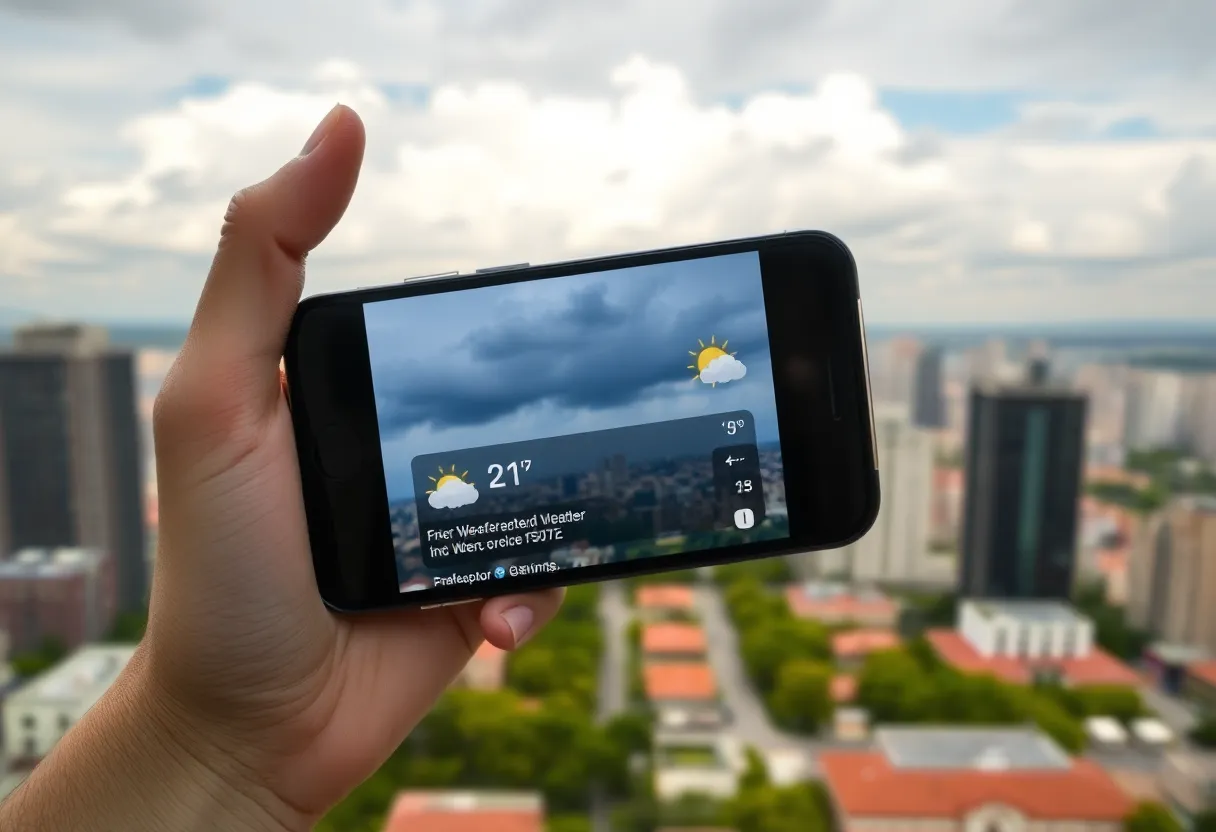
Residents and visitors in Atlanta must stay informed about severe weather conditions, such as storms and flash floods. This guide provides essential steps to set up your phone for receiving real-time weather alerts. Both iPhone and Android devices have built-in systems that can be configured for accurate location-based warnings. Additionally, third-party weather apps can enhance your alert system. For effective weather monitoring, it’s crucial to ensure all necessary permissions are enabled and to heed Wireless Emergency Alerts for timely notifications.
Atlanta Weather Alerts: How to Get Storm, Heat, and Flash Flood Warnings Straight to Your Phone
If you live in Atlanta or you’re planning a visit, paying attention to the weather isn’t optional — it’s survival. Georgia storms can roll in fast, and flash flooding is no joke. Here’s a no-nonsense, local’s guide to getting reliable weather alerts on your phone so you won’t be blindsided when skies turn ugly.
Start with the Phone You Already Have
Your phone can do a lot of the heavy lifting if you set it up right. Both iPhone and Android offer built-in alert systems that give you timely warnings for severe weather. Set these once and forget them — until the next thunderstorm.
iPhone Built-in Weather Notifications
- Open Settings then go to Privacy & Security and tap Location Services.
- Scroll to the Weather app and choose Always to allow location access.
- Turn on Precise Location to get alerts tied to where you actually are in the city.
- Open the Weather app, tap to edit cities, find the options for notifications, and toggle on Severe Weather and Next-Hour Precipitation.
With these switched on you’ll get local advisories, sudden downpour warnings, and storm notifications targeted to Atlanta neighborhoods.
Android Built-in Weather & Emergency Alerts
- Open Settings > Safety & Emergency > Wireless Emergency Alerts.
- Make sure Allow Alerts is enabled and turn on Extreme Threats and Severe Threats.
- Check for a Critical Alerts option on your device so alerts can bypass Do Not Disturb when necessary.
This keeps you linked into the national warning systems and local emergency messages that pop up when something serious is happening.
Third-Party Weather Apps — Handy Extras, If You Use Them Wisely
There are plenty of weather apps that add high-resolution radar, storm tracks, and push notifications. If you pick an app, do these three things:
- Grant Location and Notification permissions so alerts are tied to where you are in metro Atlanta.
- Enable the app’s severe weather and next-hour precipitation alerts for immediate push messages.
- Keep the app updated so it stays compatible with the latest alert systems.
Third-party apps are great for radar loops and storm prediction, but don’t disable the built-in emergency alerts — they’re the backbone for life-or-death warnings.
Never Ignore Wireless Emergency Alerts
The Emergency Alert System is the last line of defense. Make sure your phone is set to receive Wireless Emergency Alerts (WEA). On iPhone, check Settings > Notifications > Emergency Alerts and turn on Always Play Sound so you get an audible warning even if your phone is silent. On Android, verify WEA is active under Safety & Emergency.
Quick Local Tips to Stay Ahead of the Storm
- Keep Location Services on for accuracy — Atlanta traffic, neighborhoods, and microclimates matter.
- Allow critical alerts to bypass Do Not Disturb for emergencies.
- Check app permissions if you stop getting alerts — location or notifications may have been turned off by accident.
- Update apps and your phone regularly to receive the latest alert improvements.
- When in doubt, assume rain in spring and summer — Atlanta sees quick afternoon storms during certain months.
Wrapping It Up — What to Do When the Alert Hits
When your phone buzzes, take it seriously. Move indoors if the alert indicates tornado or severe thunderstorm warnings. Avoid underpasses and low-lying roads when flash flood warnings are active. If you’re visiting, use these alerts to change outdoor plans fast — Atlanta’s weather can ruin a rooftop picnic in minutes.
FAQ
How do I make sure I get Atlanta-specific alerts?
Turn on precise location for your phone and enable location access for weather apps. That way alerts are tied to your neighborhood or the area you’re visiting in Atlanta.
What’s the difference between built-in alerts and app notifications?
Built-in alerts (WEA and phone emergency settings) deliver official emergency warnings directly from authorities. App notifications provide extra info like radar, future precipitation, and custom storm tracking.
Can I receive alerts even when my phone is on Do Not Disturb?
Yes — enable critical/ emergency alerts or set the phone to allow emergency notifications to bypass Do Not Disturb so urgent messages still come through.
Do I need multiple weather apps?
Not necessary. One reliable app plus the phone’s built-in alerts is usually enough. Extra apps are useful if you want high-resolution radar or specialized features.
What if I’m visiting Atlanta for just a day?
Before you go out, enable location and emergency alerts on your phone. Consider downloading one weather app for live radar if you plan to be outdoors for long periods.
Feature Comparison Chart
| Feature | iPhone Built-in | Android Built-in | Third-Party Apps | Wireless Emergency Alerts |
|---|---|---|---|---|
| Location-based Alerts | ✓ | ✓ | ✓ | ✓ (general area) |
| Severe Weather Push | ✓ | ✓ | ✓ | ✓ |
| Next-hour Precipitation | ✓ | Depends on device | ✓ | ✖ |
| High-resolution Radar | Limited | Limited | ✓ | ✖ |
| Bypass Do Not Disturb | ✓ (with setting) | ✓ (with setting) | Varies | ✓ |
Want a simple rule of thumb? Keep the official alerts on, add one solid weather app for radar, and never ignore a flash flood or tornado alert in Atlanta. Do that and you’ll be ahead of most folks when the sky turns dramatic.
Deeper Dive: News & Info About This Topic
HERE Resources
How to find the latest Fulton County updates on property taxes, voting deadlines, school closures and road projects — 2025 step-by-step guide
Warm Weather and Heat Advisory in Atlanta
Code Orange Air Quality Alert Issued in Atlanta
Atlanta Experiences Severe Thunderstorm Warnings Amidst Strong Winds and Storms
Lenox Mall shopping: How to find today’s best markdowns and use coupons to save more
Atlanta Gears Up for Labor Day Weekend Events and Traffic
Cooler Weather Approaches Atlanta with Expected Rain
Georgia’s Voting Legislation Controversy Ignites Debate
Metro Atlanta Braces for Continuous Rainy Weather
Georgia Faces Severe Weather and Extreme Heat This Week

Author: STAFF HERE ATLANTA WRITER
The ATLANTA STAFF WRITER represents the experienced team at HEREAtlanta.com, your go-to source for actionable local news and information in Atlanta, Fulton County, and beyond. Specializing in "news you can use," we cover essential topics like product reviews for personal and business needs, local business directories, politics, real estate trends, neighborhood insights, and state news affecting the area—with deep expertise drawn from years of dedicated reporting and strong community input, including local press releases and business updates. We deliver top reporting on high-value events such as vibrant music festivals like Shaky Knees and Music Midtown, major cultural celebrations including Dragon Con and the Atlanta Film Festival, and iconic sporting events like the Peachtree Road Race. Our coverage extends to key organizations like the Metro Atlanta Chamber of Commerce and the Atlanta Convention & Visitors Bureau, plus leading businesses in logistics, beverages, and retail that power the local economy such as Delta Air Lines, The Coca-Cola Company, and The Home Depot. As part of the broader HERE network, including HEREAugusta.com and HERESavannah.com, we provide comprehensive, credible insights into Georgia's dynamic landscape.